
How to Prepare Your Smartphone for Sale
The ultimate checklist to secure your data and maximize your resale value.
Introduction
Ready to upgrade to the latest flagship device? Before you trade it in or let it gather dust in a drawer, you are likely sitting on a goldmine. However, getting the best price for your used smartphone isn't just about luck, it's about preparation. A little bit of prep work ensures your personal data stays entirely secure while helping you maximize your phone resale value. To help you navigate the process seamlessly, we have compiled the ultimate step-by-step checklist to prepare your device for sale and get top dollar.
1. Back Up Your Personal Data
Your smartphone holds your entire digital life from photos and messages to banking apps and work documents. Before you even think about parting ways with your device, securing this information is paramount. A proper backup ensures a flawless, stress-free transition to your next upgrade.
- For iPhone Users: Go to Settings > [Your Name] > iCloud > iCloud Backup and tap Back Up Now. Alternatively, connect your phone to a Mac or PC to create a local, encrypted backup via Finder or iTunes.
- For Android Users:Open Settings > Google > Backup (or Settings > System > Backup) and ensure the toggle is turned on, then tap Back Up Now to sync your contacts, photos, and app data directly to Google Drive.
2. Unlink Your Cloud Accounts and Disconnect Devices
This is one of the most frequently skipped steps, yet it is crucial if you want to sell your old phone online without a hitch. If your device remains tied to your personal accounts, the next owner won't be able to activate it. Devices locked by Apple's Activation Lock or Android's Factory Reset Protection (FRP) drop drastically in value and are often completely unsellable.
- Sign Out of Accounts: On iOS, navigate to Settings, tap your name, and select Sign Out. On Android, go to Settings > Accounts and Backup > Manage Accounts, select your Google account, and tap Remove Account.
- Unpair Accessories: Don't forget to head to your Bluetooth settings and unpair any smartwatches, wireless earbuds, or smart home tech.
3. Perform a Secure Factory Reset
Once your data is safely stored in the cloud and your accounts are completely unlinked, it is time to return the software to its factory-fresh state. Knowing how to wipe your phone before selling is the ultimate shield for your privacy.
- Apple iOS: Settings > General > Transfer or Reset iPhone > Erase All Content and Settings.
- Android OS: Go to Settings > General Management > Reset > Factory Data Reset (steps may vary slightly depending on your phone's manufacturer, like Samsung or Pixel).
4. The CashNow Data Guarantee
While performing a home-based factory reset is an essential first line of defence, we believe you shouldn't have to worry about your privacy for a single second. When you sell with us, Cashnow’s technical team performs an additional, certified secure data wipe on every single processed device. Your personal information remains 100% safe, guaranteed.
5. Deep Clean the Physical Device
When it's time to trade in your phone and get cash for old phones, physical first impressions matter immensely. A clean phone instantly commands a higher perceived value when our doorstep pickup executive arrives to verify its condition.
- Banish the Smudges: Remove your case and use a microfiber cloth lightly dampened with isopropyl alcohol to wipe away fingerprints, oils, and grease from the glass and frame.
- Clear out the Ports: Lint accumulates in charging ports over time. Use a wooden toothpick or a small plastic pick to gently clear out the debris so the charging cable snaps perfectly into place.
6. Lock in Your Price Instantly
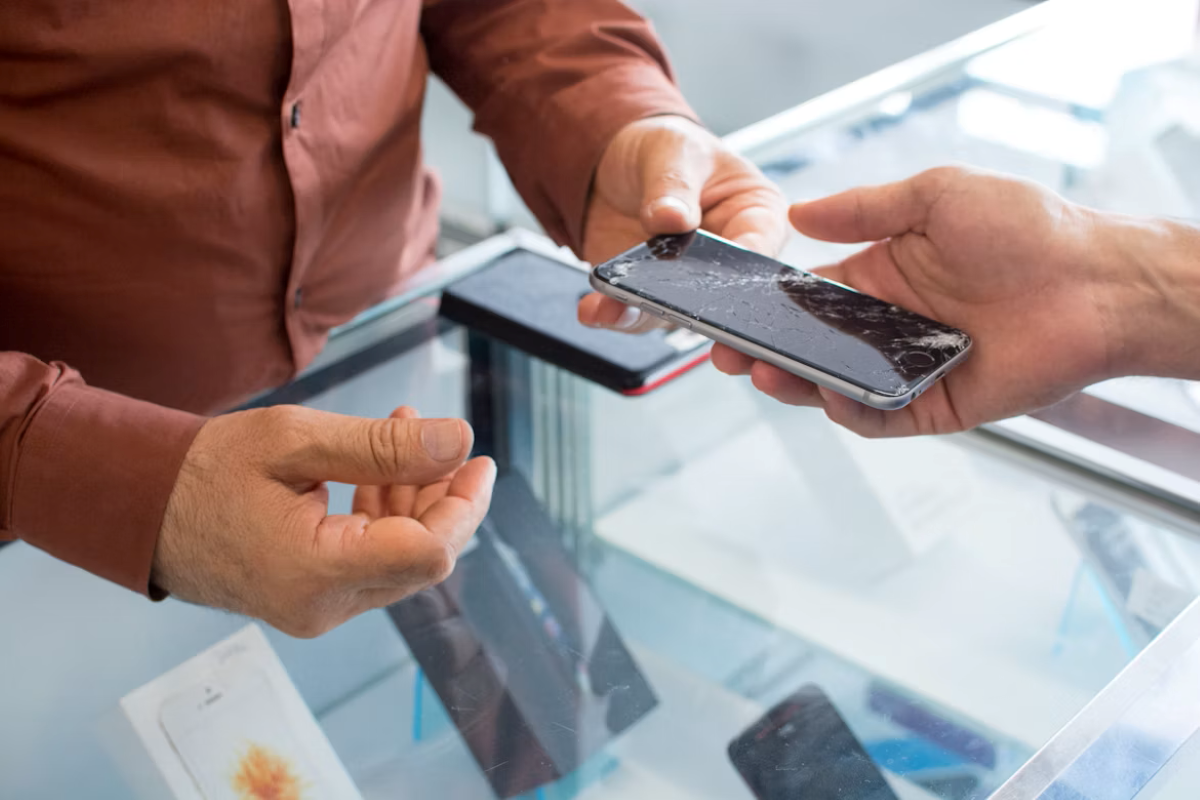
Now that your device looks pristine and your data is completely secure, you are fully prepared to get the maximum return on your investment. The key to a smooth transaction is a fair and honest assessment of your device's cosmetic state. Whether your phone has deep screen cracks, minor hairline scratches, or an aging battery, being accurate during evaluation ensures your final quote matches your expectations perfectly. Ready to see how much your device is worth? Skip the hassle of online marketplaces, shady buyers, and hidden fees.